

Identity Management and Multi-Factor Authentication
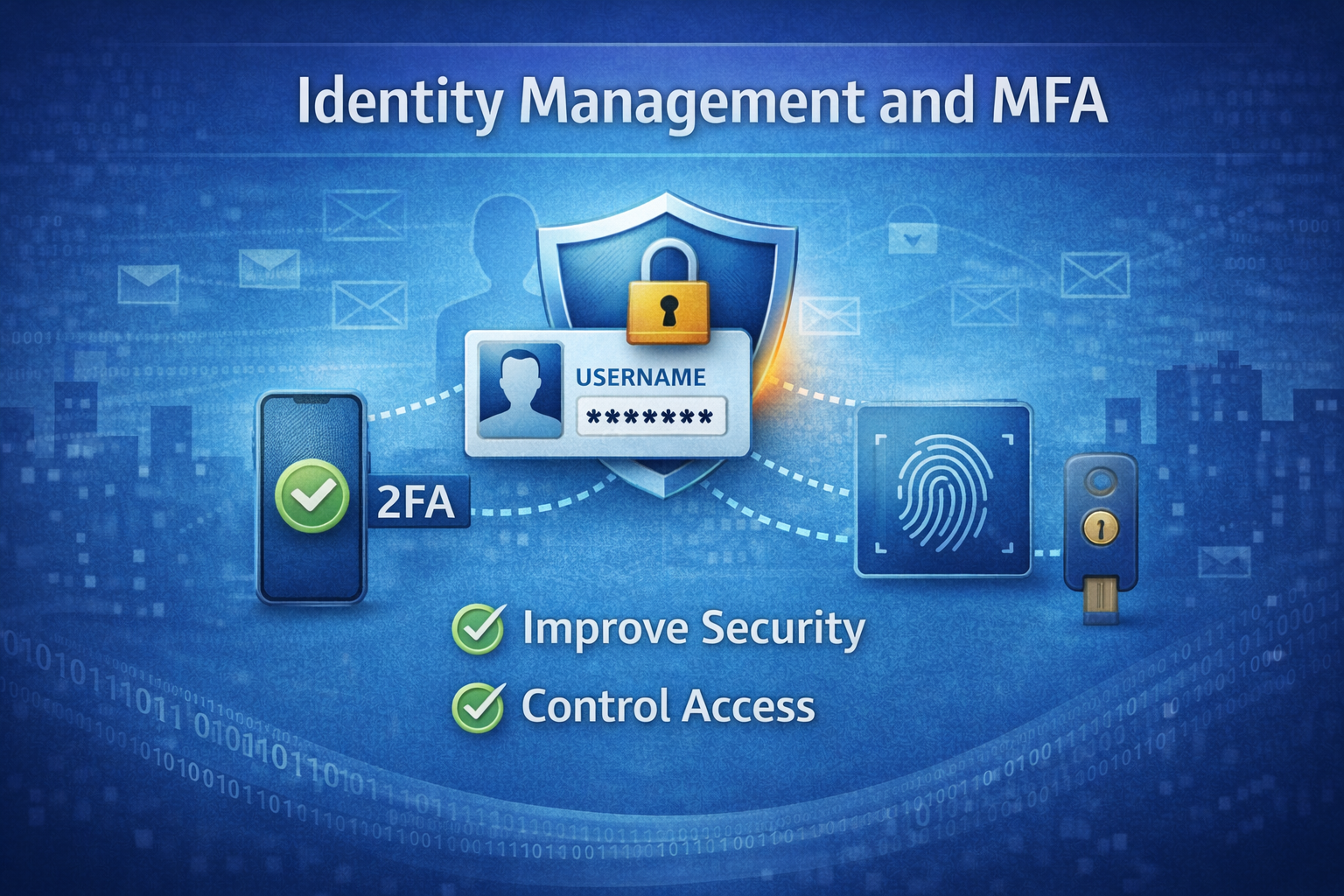
In the digital world we live in the cyber threats we face are growing and more advanced than ever before. One of the most effective and often overlooked ways to protect your company is by focusing on identity and access management. If you have read my articles on Security Starts with Strong Passwords and Cybersecurity Awareness and Phishing Training you understand the importance of your passwords and training your employees to be security focused. Identity management forms the backbone of a secure environment, ensuring only authorized users access sensitive systems and data. When you add multi-factor authentication with your identity management it strengthens your security posture.
Why Identity Management Matters
Identity management, sometimes referred to as identity and access management (IAM), is the framework of policies and technologies to ensure the right individuals in your company have access to the right resources. Small to medium-sized businesses are prime targets for threat actors because they often lack the robust security infrastructure of larger companies. Effective identity management reduces the risk of unauthorized access, data breaches, and insider threats. Most cyberattacks begin with compromised credentials. Identity and access management is one of the cornerstones of a unified security platform. (more on this in a future article)
Identity management answers a few basic but vital questions:
- Who is the user?
- What can they access?
- When and how are they accessing it?
- Are they who they say they are?
Here is why it is essential:
- Data Protection – Companies handle sensitive data, including customer information, financial records, and intellectual property. Weak identity controls can lead to costly breaches
- Regulatory Compliance – Regulations like HIPAA, PCI-DSS, and GPDR require strict access controls. Non-compliance can result in hefty fines.
- Remote Work Risks – With hybrid and remote work on the rise, employees access systems from various devices and locations, increasing the attack surface.
Core Components of Identity Management
Identity management doesn’t have to be complex. There are several tools out there like Microsoft Active Directory, or cloud-based solutions like Microsoft Entra ID and Google Workspaces. No matter what management platform you choose the core elements are the same.
- User Identity Creation and Management – Assign unique identities to anyone that accesses your environment, employees, contractors, or partners. Use a centralized system to manage these identities.
- Access Control – Define roles and permissions to ensure users can only access what they need to perform their job. This is known as the principle of least privilege.
- Authentication – Verify user identities though passwords, biometrics, or other methods.
- Audit and Monitoring – Tracks user activity to detect suspicious behavior or policy violations. This is critical for detecting suspicious behavior. If the identity tool doesn’t offer this don’t implement it.
Rising Threat of Compromised Credentials
According to the 2024 Verizon Data Breach Investigations Report 46% of breaches involved stolen credentials. When threat actors get access to a user’s credentials, especially those with admin privileges, they can quietly move within your environment, steal data, or deploy ransomware, often without detection. This is why identity management and multi-factor authentication (MFA) go hand in hand.
What is Multi-Factor Authentication (MFA)?
While strong passwords are a big step in securing your environment, it’s not always enough. With threat actors using phishing, brute force attacks, and credential stuffing they are getting quite effective in getting the credentials they need to access your environment. Just using a password to protect your accounts isn’t enough anymore, but by adding MFA to your login making it significantly harder to breach your account.
Multi-factor authentication is basically just what it sounds like, you login to your account with your password (first factor) and then you must verify you are trying to login with a code on your phone via an app (second factor). This ensures even if your password is compromised the threat actor can’t access your account without the approval of the second factor.
Why Implement Identity Management with MFA
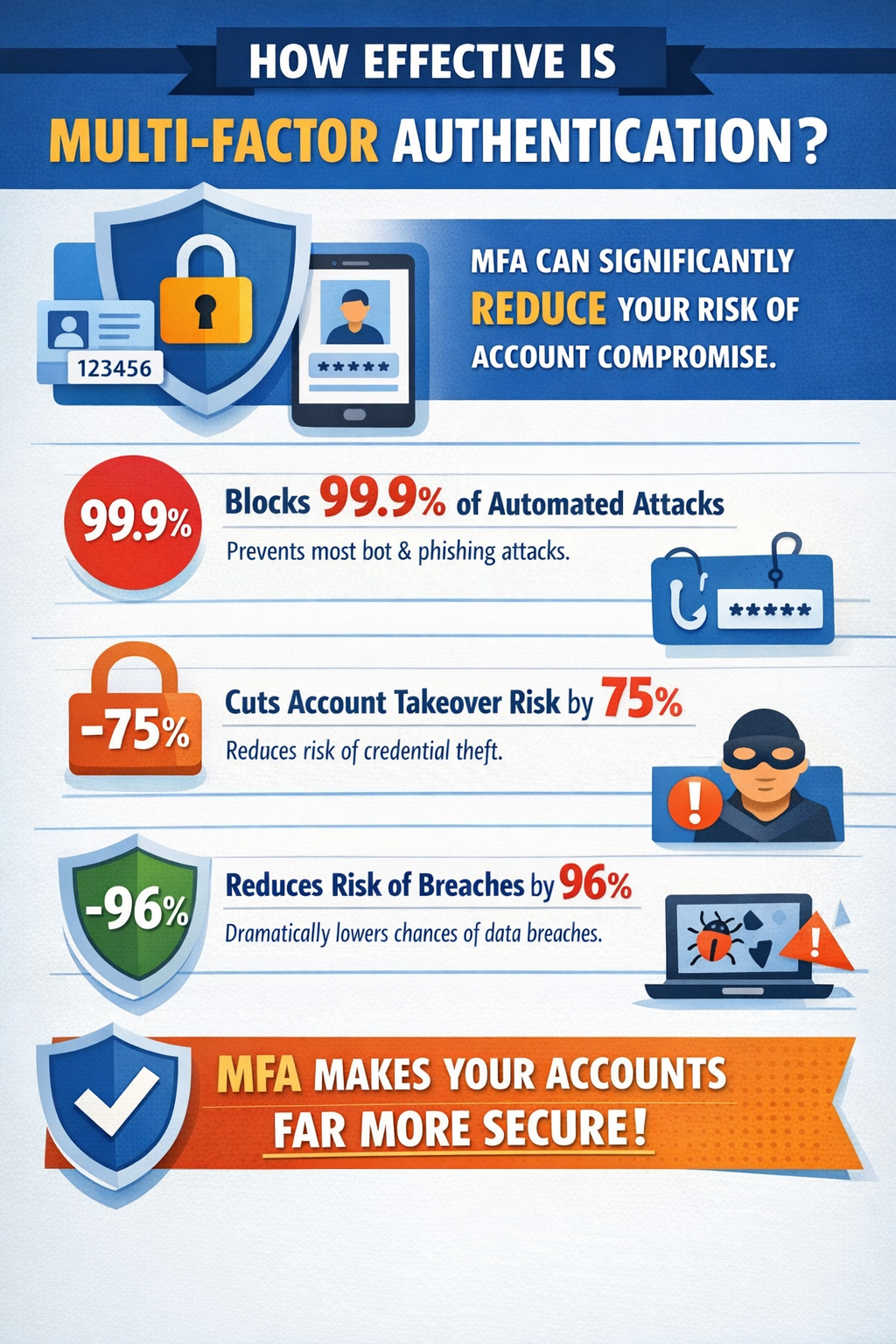
Many companies mistakenly assume they are “too small” to be targeted, but they are easier targets because they don’t have the protections of the larger companies. Here are some of the reasons IAM and MFA should be a priority:
- Prevent Data Breaches – Credential theft is one of the leading causes of data breaches. Multi-factor authentication alone can prevent 99.9% of automated attacks, according to Microsoft. By requiring a second verification method, you can stop the threat actors even if they have stolen your password.
- Improved Compliance – Regulations like HIPAA, PCI-DSS, and GPDR now require strict access controls and audit trails. Implementing IAM and MFA helps you meet those requirements.
- Enable Remote Work Securely – The shift to hybrid and remote work has expanded the attack surface. With employees accessing company resources from multiple locations, strong authentication is critical.
- Protect Cloud Applications – With companies increasingly relying on cloud services like Microsoft 365, Google Workspaces, Dropbox, and Salesforce. These services have become high-value targets for threat actors. The implementation of strong authentication helps you secure access to these cloud services.
Implementing Identity Management and Multi-Factor Authentication
Implementing IAM and MFA does not have to be complicated or expensive. Many have already implemented identity management and may not have realized it or not taking advantage of it, Microsoft 365 accounts or Google Workspaces. If you are using either one of these, you are already halfway there. The next step is choosing an MFA platform to integrate into your identity management.
- Identify Critical Assets – Any accounts that have admin privileges should have MFA, I would recommend admin accounts not be assigned to employees. The admin accounts should be separate accounts you use only to log in when needed.
- Design Access Policies – This step takes a little bit of time, but it will help you organize who needs access to data, systems, and services. Limit access to only what your employees need to perform their job duties.
- Deploy MFA – Enable MFA for email, cloud platforms, and VPN’s first since these are common attack vectors.
- Educate Employees – Explain how it protects their accounts and the business. Offer a step-by-step guide for setting up the authenticator app and responding to notifications.
- Monitor – Review user access on a regular basis and remove outdated accounts from the system.
Conclusion
By adopting strong identity management policies and enabling multi-factor authentication you can dramatically reduce your risk of compromise, and gain peace of mind knowing your users, data, and systems are protected. By assessing your needs, choosing the right tools, and educating employees, you can create a secure environment lets you focus on growth. Please feel free to reach out if you have any questions.