

How To Protect Your Data with Backups
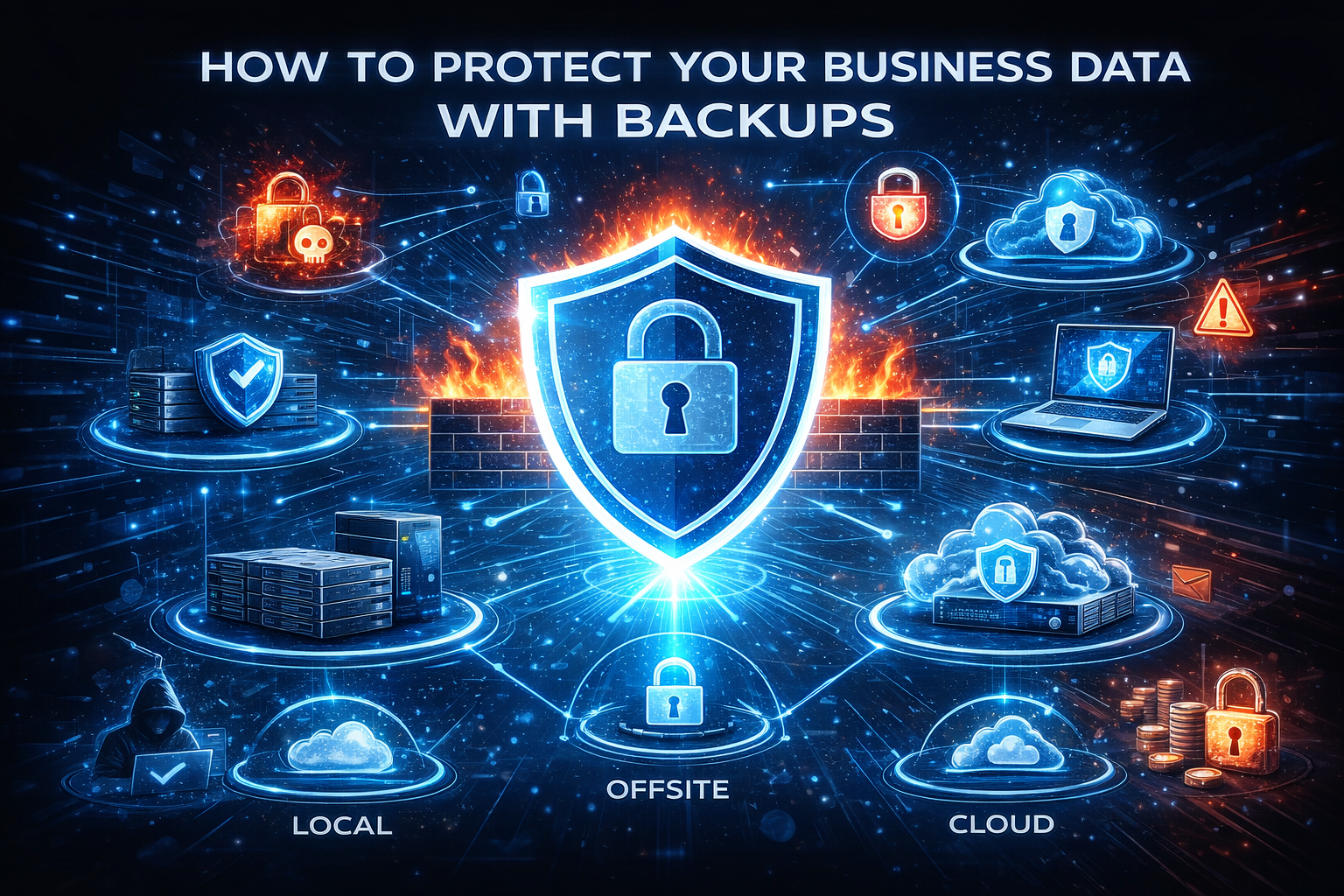
For most small to medium sized businesses, data is the business. The accounting system, customer related documents, emails, even passwords live in digital form. Companies rarely go out of business because of a threat actor alone, they go out of business because they lose their data. Yet many businesses underestimate how quickly data can be lost. Hardware failures, cyberattacks, human error, natural disasters, or even simple software glitches can disrupt operations and cause permanent data loss. The companies that recover are the ones with a structured backup and recovery strategy in place before the incident occurred.
Why Backups Matter More Than Ever
Ransomware attacks continue to rise, cloud misconfigurations expose millions of records each year, and employees accidentally delete data more often than you think. Backups act as a safety net, ensuring your business can recover quickly.
Most Common Causes of Data Loss
- Ransomware Attack
- Employee Mistake
- Failed Hardware
- Server Corruption
- Cloud Sync Issues
- Stolen Laptops
- Power Surges
- Natural Disasters (Fire, Flood, Lightning Damage)
Most of these have nothing to do with cybersecurity. Backups are not just security control, but business continuity control.
Backup vs. Sync: A Critical Misconception
One of the most dangerous misconceptions is, “We use OneDrive/Dropbox/Google Drive, we are backed up”. Cloud file sync platforms are synchronizations services, not backup systems. If a file is deleted, encrypted by ransomware, or corrupted on a computer, the sync service copies the damaged file to the cloud, and every other computer. Your “backup” instantly becomes an identical copy of the problem.
Cloud Services
Another misconception is with cloud services like Microsoft’s M365 cloud offerings. Microsoft guarantees their services will be available to you, but they don’t guarantee your data. If someone accidentally deletes an email account Microsoft doesn’t back up the information.
What a Backup System Looks Like
A reliable backup system follows what is the 3-2-1 Backup Rule. Here is what the rule is:
- 3 Copies of your data
- 2 Different storage types (local device and cloud storage)
- 1 Copy stored offsite
This combination ensures redundancy, lowers risk, and supports fast restore times. What does this really mean.
3 Copies of Your Data
The three copies of your data consist of:
- Production Data (Data on the device)
- Local Backup (Data Copy on a local backup device)
- Offsite Backup (Data Stored on a device not located in the office)
2 Storage Types
The two storage types can be:
- Local Storage Appliance (Network Attached Storage, NAS)
- Cloud Based Storage (Amazon, Microsoft, or Any Cloud Provider)
1 Offsite
Keep one copy of the backup somewhere other than in the office. This can be the cloud storage mentioned above.
Immutable/Ransomware Protected Backup
This is the most important modern requirement. Ransomware now actively looks for backups and deletes them first. An immutable backup is part of a proper backup solution. An immutable backup is a copy of the data that cannot be altered or erased for a set retention period.
Building a Business Grade Backup System
Here are some guidelines to follow when developing your backup strategy.
Start With Data Inventory
Know the type of data you have and classify them by importance.
- Mission-Critical – Customer databases, accounting systems, proprietary data
- Important – Emails, shared drives, project files
- Replaceable – Software installs
Choose the Right Tools and Destinations
Choose the proper software and devices to meet your needs.
- What software solutions meet your needs?
- What storage options are best? (Local and Cloud)
Automate and Secure the Process
- Schedule the backups instead of manually
- Define versioning and retention policies
- Use immutable storage
- Keep at least one copy offline
Test Restores
- Restore random files
- Recover full systems/databases
- Simulate ransomware (Restore from immutable storage)
- Document the results
Recovery Plan
Every company should maintain a written data recovery plan that includes:
- What is backed up
- Backup schedules
- Storage locations
- Recovery steps
Clear, documented processes reduce chaos during emergencies.
Conclusion
Cybersecurity tools try to prevent bad things from happening. Backups are what allow companies to survive when prevention fails. With a modern backup strategy built on redundancy, automation, security, and regular testing, you can safeguard your data. The question is not whether your company will face data loss, but when. Will you recover or will you have to close. A properly designed backup and disaster recovery system is not an IT expense. It is operational insurance for your company’s existence. If you have any questions or concerns, please feel from to reach out to us.