
How to Protect My Wi-Fi Network
Your Wi-Fi network is the gateway to your digital life, your devices, your data, and in many cases, your business operations. A weak or unsecured network invites trouble, threat actors intercepting data, IoT devices (doorbell cameras, thermostats) getting hijacked, or even ransomware. If a threat actor gains access to your Wi-Fi, they often don’t need to hack anything else, they are already inside your network perimeter. Many cyber incidents start with compromised wireless networks because they are the least secured entry point in a small business or home office. Below are the most effective ways to secure your Wi-Fi network.
Why Wi-Fi is a Major Security Risk
Your router connects phones, laptops, smart TVs, cameras, thermostats, and more. Unlike wired connections, Wi-Fi extends beyond your walls. Your signal reaches:
- Parking lots
- Neighboring offices
- Adjacent suites
- The street outside your building
A breach can expose:
- Personal info (passwords, banking details)
- Device control (cameras spied on)
- Bandwidth theft
- Malware infection
A threat actor does not need physical access to your building. They just need to be nearby. Below are the most effective ways to secure your Wi-Fi network.
Change the Router Credentials
Most routers ship with default login credentials, and anyone can find them online within seconds. If someone gets access to your router setting, they can change configurations, create backdoors, or even lock you out of your own network.
What to do
- If possible, change the username
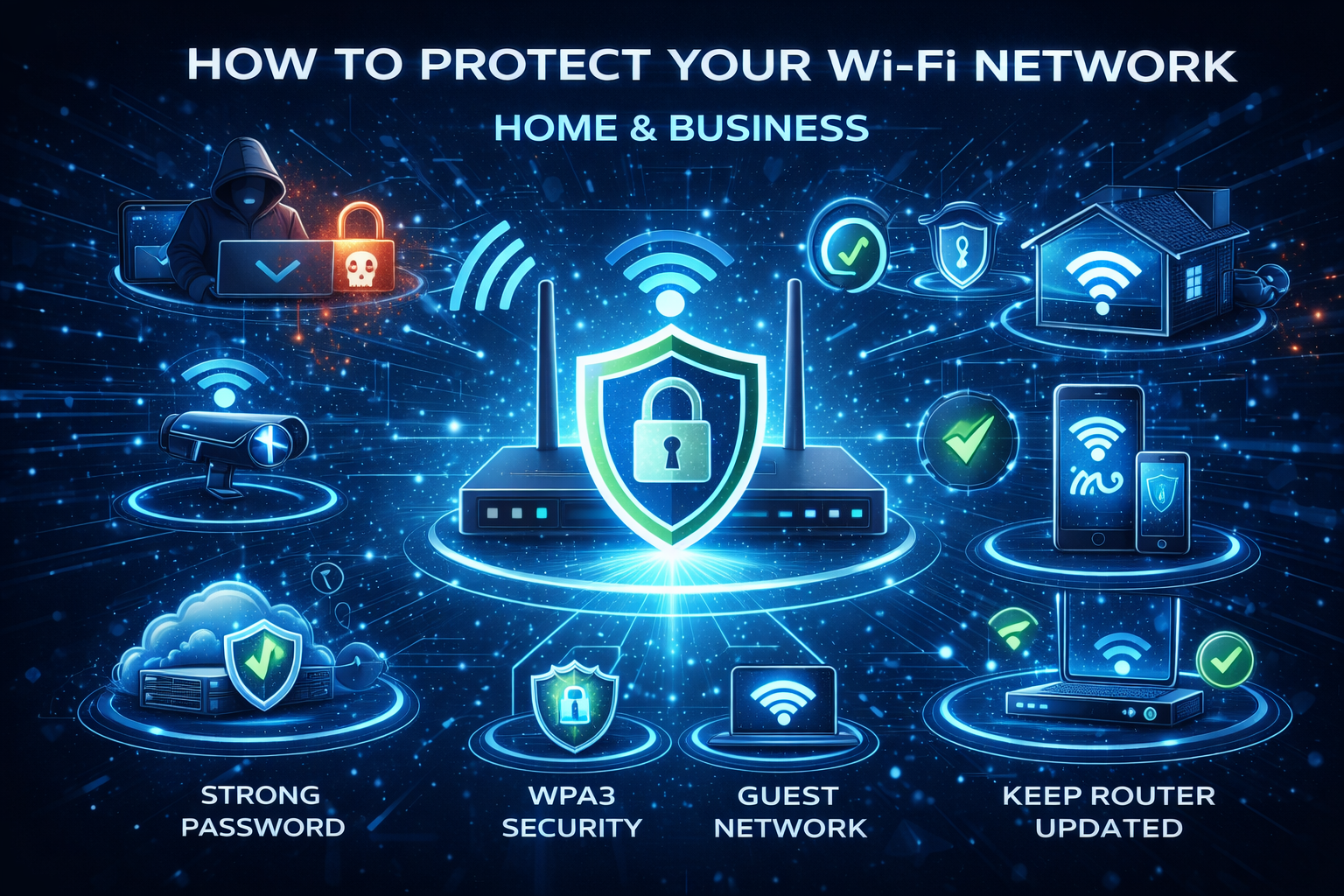
- Use a strong password (Strong Passwords)
- Avoid reusing a password.
This is your first, and arguably most critical layer of protection.
Use Strong Encryption
Once you have changed the administration login for the router. Make sure the wireless encryption is strong. Encryption protects the data traveling between your devices and the router.
- Use WPA3 encryption (Wi-Fi Protected Access 3)
- If not available, use WPA2-AES
- Avoid WEP at all costs, it is outdated and easily hacked
Change the Network Name (SSID)
Change the network name to something that isn’t configured by default from the manufacturer. The default SSID usually will identify the brand of the router. This small step helps reduce targeted attacks and prevents giving away clues about your hardware.
Create a Strong Wi-Fi Password
A strong password to connect to your Wi-Fi network will make it harder for someone to guess or crack your password. Length defeats cracking tools. See Password article mentioned above.
Create a Guest Network
A guest network isolates visitors from your primary devices and internal systems. Your main network should never be shared with:
- Customers
- Visitors
- Vendors
- Delivery Personnel
Guest Wi-Fi should only have access to the Internet and not internal devices.
Keep Your Routers Firmware Updated
Firmware updates fix security vulnerabilities and improve performance, stability, and protection.
- Check for firmware updates at least quarterly
- Enable auto-updates if supported
Disable Risky Features
There are some features intended to make things easier but weaken security. These are the ones that should be disabled.
- WPS (Wi-Fi Protected Setup) The push button or PIN is easily hacked
- UPnP (Universal Plug and Play) Lets devices open ports automatically, a favorite for malware
- Remote Management (External access to the Admin Console)
Quick Checklist
- Change the admin password
- Enable WPA3
- Strong, unique Wi-Fi password
- Disable WPS, UPnP, and Remote Access
- Update firmware
- Create Guest network
Conclusion
Firewalls and endpoint protection protects devices. Wi-Fi security protects access. If someone joins your wireless network, they often bypass your perimeter protections entirely. At that point, your network treats the threat actor like an employee sitting at a desk inside your office. If your router is older than about 5 years and doesn’t support any of the options listed about. It might be time to upgrade your wireless network. If you need any assistance or just have questions, please feel free to contact us.