

Protecting Your Email Ecosystem: DMARC, SPF, and DKIM
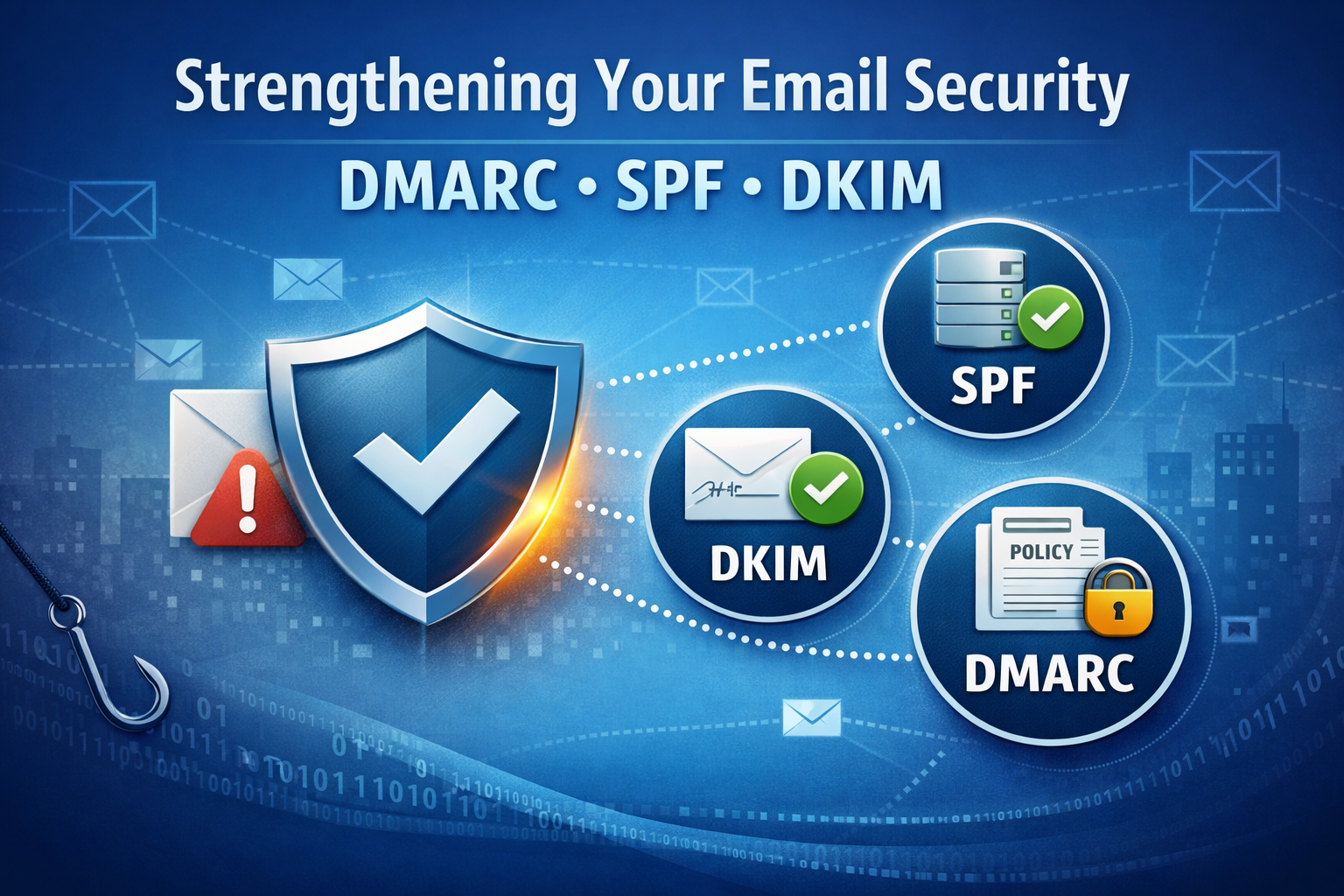
Email remains one of the most widely used communication channels for businesses, the threat of phishing and spoofing looms larger than ever. Email remains the primary attack vector for threat actors. Phishing, spoofing, and business email compromise continue to increase year over year, costing companies financially, operational disruption, and reputational damage. Major providers like Google, Yahoo, and Microsoft now strictly enforce email authentication protocols, rejecting non-compliant messages.
The Problem: Email Spoofing and Domain Abuse
Threat actors do not need to compromise your email server to impersonate your company. Without proper authentication controls, they can send email that appears to come from your domain, targeting your employees, customers, vendors, or partners.
Common outcomes include:
- Fraudulent invoice requests
- Payroll diversion scams
- Credential harvesting attacks
- Brand impersonation
- Customer trust erosion
- Domain blacklisting
- Reduced email deliverability
To combat these threats, three key protocols DMARC, SPF, and DKIM work together to secure email communication and protect your company.
What are DMARC, SPF, and DKIM?
These protocols work together to verify the authenticity of emails and prevent unauthorized use of your domain.
SPF (Sender Policy Framework)
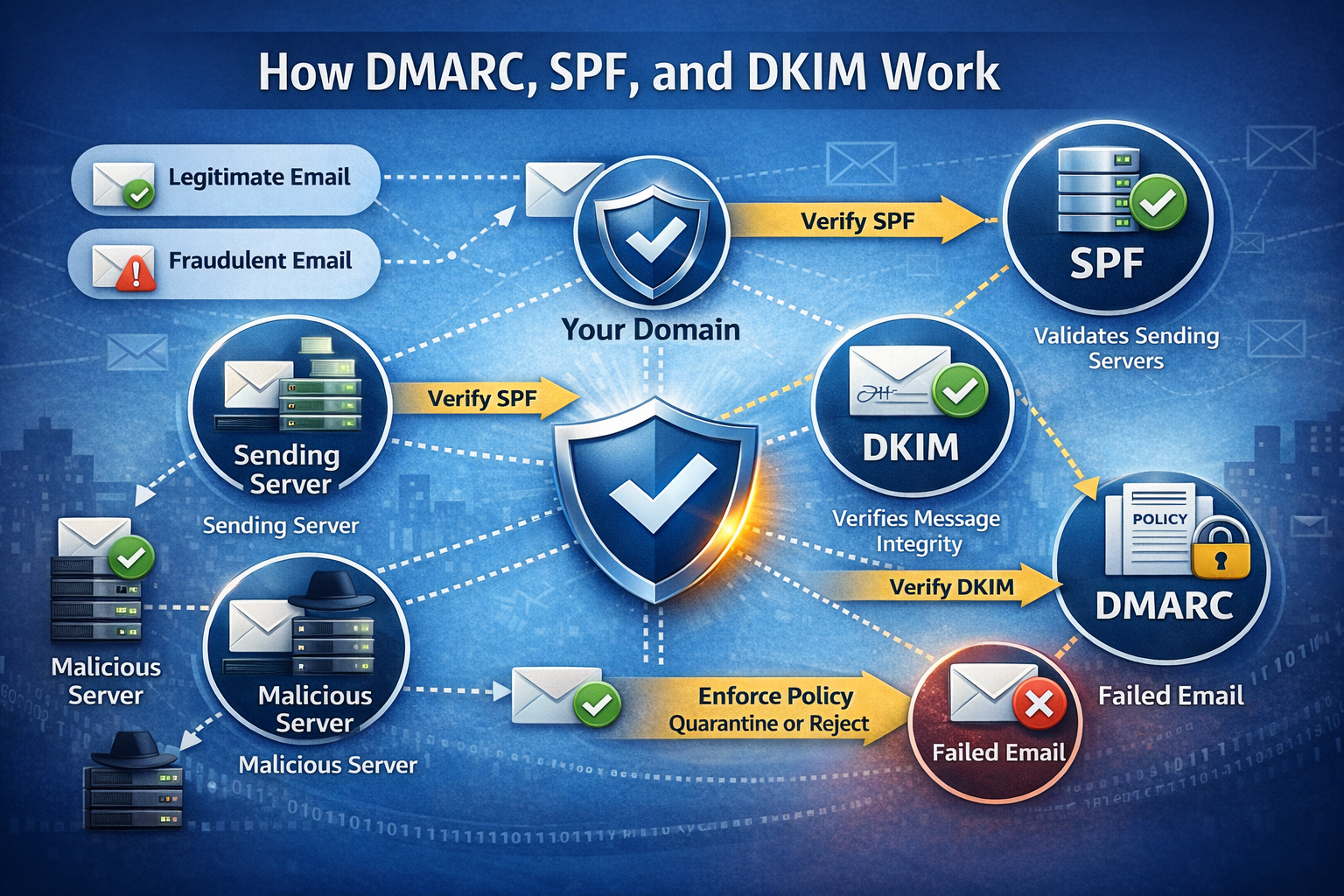
Answers a simple question: Which servers are authorized to send email on behalf of my company? SPF is like a whitelist for your domain. SPF works by publishing a list of approved sending sources, such as Microsoft 365, Google Workspaces, or third-party marketing platforms. When an email is received, the recipient’s server checks the SPF record to verify the sender. If the sending server isn’t listed, the email is flagged as suspicious.
Why SPF Matters:
- Prevents unauthorized systems from spoofing your domain
- Improves email deliverability
- Reduces the likelihood of your domain being used in phishing attacks
Common SPF Mistakes:
- Missing SPF records
- Multiple SPF records (which invalidates them)
- Not including all third-party senders
DKIM (DomainKeys Identified Mail)
DKIM adds a digital signature to outgoing emails using cryptographic keys. This signature is verified by the recipient’s server using a public key that is published. If the signature matches, it confirms the email hasn’t been altered in transit and truly comes from your domain.
Why DKIM Matters:
- Confirms message authenticity
- Protects against content modification
- Strengthens trust with receiving mail systems
Common DKIM Issues:
- DKIM not enabled for all mail systems
- Incorrect key rotation
- Misaligned domains due to third-party senders
DMARC (Domain-based Message Authentication, Reporting & Conformance)
DMARC ties SPF and DKIM together and adds policy enforcement and reporting. It tells receiving servers what to do if an email fails SPF and/or DKIM checks, whether to quarantine, reject, or allow the email. DMARC also provides reporting, so you can monitor who sends emails on your behalf.
Why DMARC is Critical:
- Prevents domain spoofing
- Provides visibility into who is sending email on your behalf
- Protects customers and partners from impersonation
- Improves brand reputation and email deliverability
Why These Protocols are Essential
With AI-enhanced phishing making attacks more convincing, these protocols are your first line of defense.
- Protect Your Brand Reputation – Prevent attackers from impersonating your domain and scamming your customers
- Reduce Phishing Risks – Stop fraudulent emails before they reach inboxes
- Improve Deliverability – Authenticated emails are less likely to be marked as SPAM
- Gain Visibility – DMARC reports show you who’s sending emails using your domain.
Conclusion
Email authentication isn’t optional anymore, it’s a necessity. They are essential components of any cybersecurity strategy and a critical defense against modern email-based threats. If you would like more information or to check your email authentication settings, please feel free to contact us or you can check your domain below.